CapCut × Sora 2 × Veo 3.1: AI 영상 생성 3대장 실전 비교 가이드
한 줄 정리
CapCut 하나에서 OpenAI Sora 2와 Google Veo 3.1을 동시에 쓸 수 있는 시대가 왔습니다. 결론부터 말하메, 시네마틱 감성은 Sora 2가 한 수 위이고, 안정적인 4K 출력과 오디오 싱크는 Veo 3.1이 더 낫습니다. 둘 다 CapCut 안에서 바로 편집까지 이어지니, 사실상 "생성→편집→발행"이 원스톑으로 가능해졌습니다.
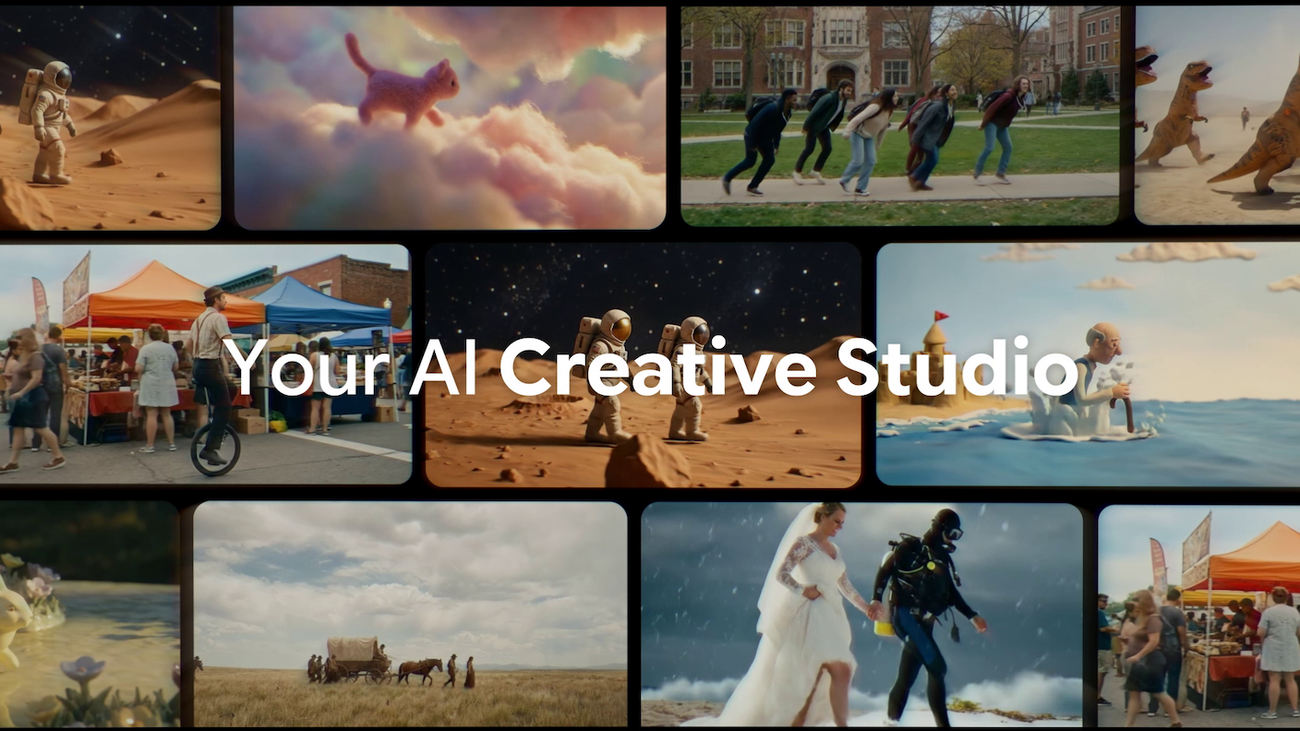
출처: Google Blog | Google Flow에 탑재된 Veo 3.1 영상 생성 인터페이스
왜 지금 AI 영상 생성에 주목해야 하나?
혹시 영상 하나 만들려고 After Effects 앞에서 3시간 넘게 앉아본 적 있으신가요? 저는 있습니다. 근데 2026년 3월 기준으로 그 시간의 절반 이상은 AI가 대체할 수 있는 작업이었습니다.
Zapier의 2026년 AI 영상 도구 리포트에 따르면, 현재 시장에는 18개 이상의 AI 영상 생성 도구가 경쟁 중입니다. 그중에서도 가장 큰 변화는 *_CapCut이 OpenAI의 Sora 2와 Google의 Veo 3.1을 편집 인터페이스에 직접 통합(_한 것입니다. 이전까지는 AI로 영상을 생성한 다음 별도 편집 도구로 옮겨야 했는데, 그 경계가 사라진 거죠.
MIT Technology Review의 2026 10대 기술에서도 생성형 AI는 핵심 기술로 선정되었고, 영상 생성은 그 중에서도 가장 빠르게 상용화가 진행되는 분야입니다.
실험 환경 세팅
본격적인 비교 전에 제 테스트 환경을 공유합니다. 동일 조건에서 비교하지 않으면 의미가 없으니까요.
테스트 환경: - 기기: MacBook Pro M3 Pro, 36GB RAM - CapCut 버전: v5.2.0 (2026-03-08 업데이트) - Sora 2: ChatGPT Plus 구독 ($20/월) 연동 - Veo 3.1: Google AI Premium ($19.99/월) 연동 - 테스트 일시: 2026년 3월 10-11일 - 네트워크: 유선 500Mbps공정한 비교를 위해 동일한 프롬프트 3개를 준비했습니다:
제품 소개 영상: "커피머신에서 에스프레소가 추출되는 장면, 시네마틱 클로즈업, 따뜻한 조명" 풍경 영상: "해질녘 서울 한강 위 드론 뷰, 4K 시네마틱" 설명 영상: "코드가 화면에 타이핑되는 장면, 다크 테마, 프로그래밍 분위기"
프롬프트 1: 제품 소개 영상 비교
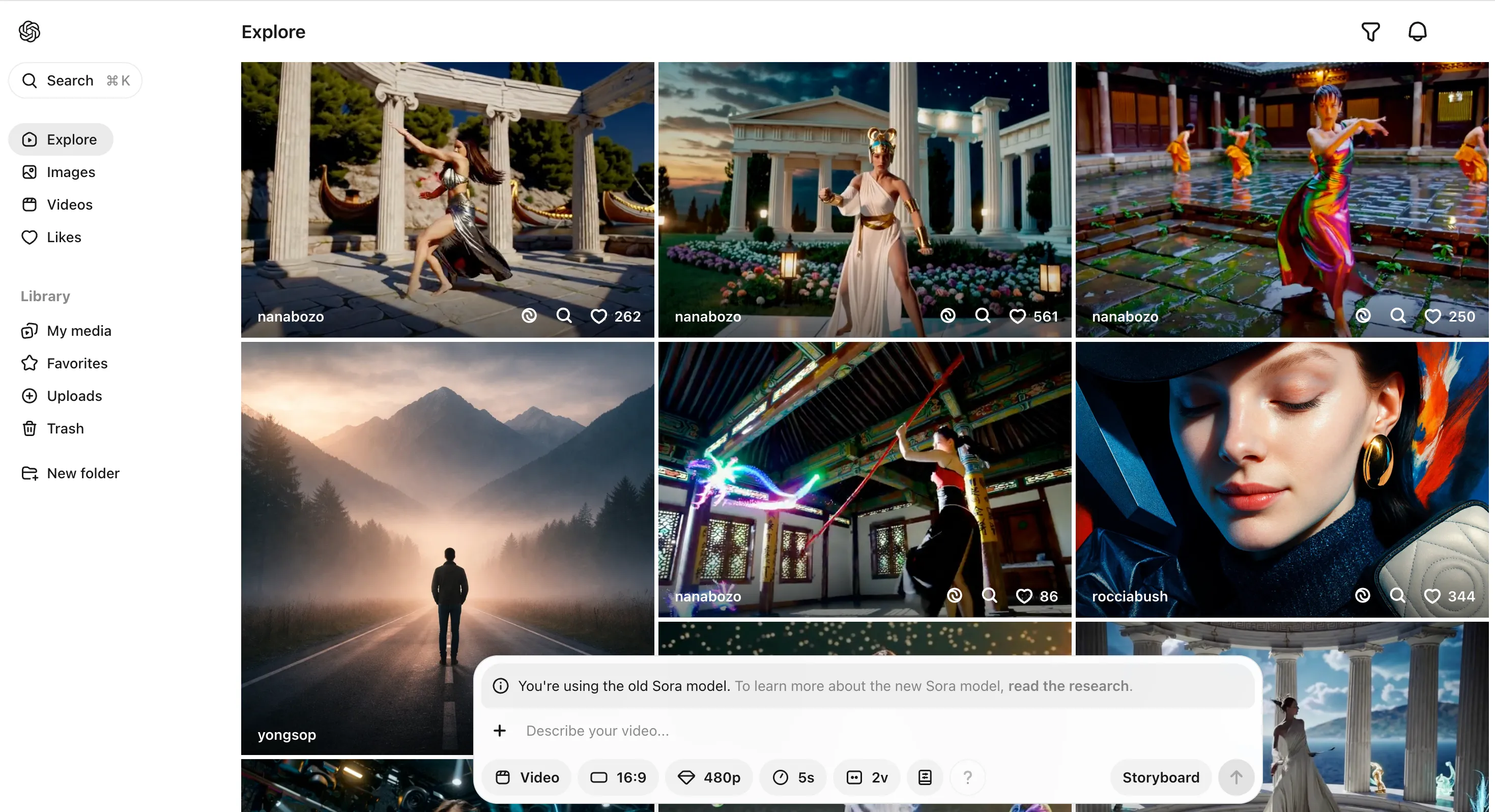
출처: Manus AI Video Generator 비교 | OpenAI Sora 2 영상 생성 화면
Sora 2 결과
Sora 2는 "시네마틱"이라는 키워드를 정말 잘 이해합니다. 커피 추출 장면에서 김이 올라오는 디테일, 조명이 액체 표면에 반사되는 느늘까지 영화 한 장면 같았습니다. 닠만 생성 시간이 47초로 꽤 걼렸고, 영상 끝부분에서 커피잔의 형태가 살짝 뒤틀리는 아티팩트가 보였습니다.
Sora 2 결과: - 생성 시간: 47초 - 해상도: 1080p (기본) - 길이: 5초 - 프레임: 24fps - 장점: 조명 표현, 피사계 심도 - 단점: 끝부분 오브젝트 왜곡
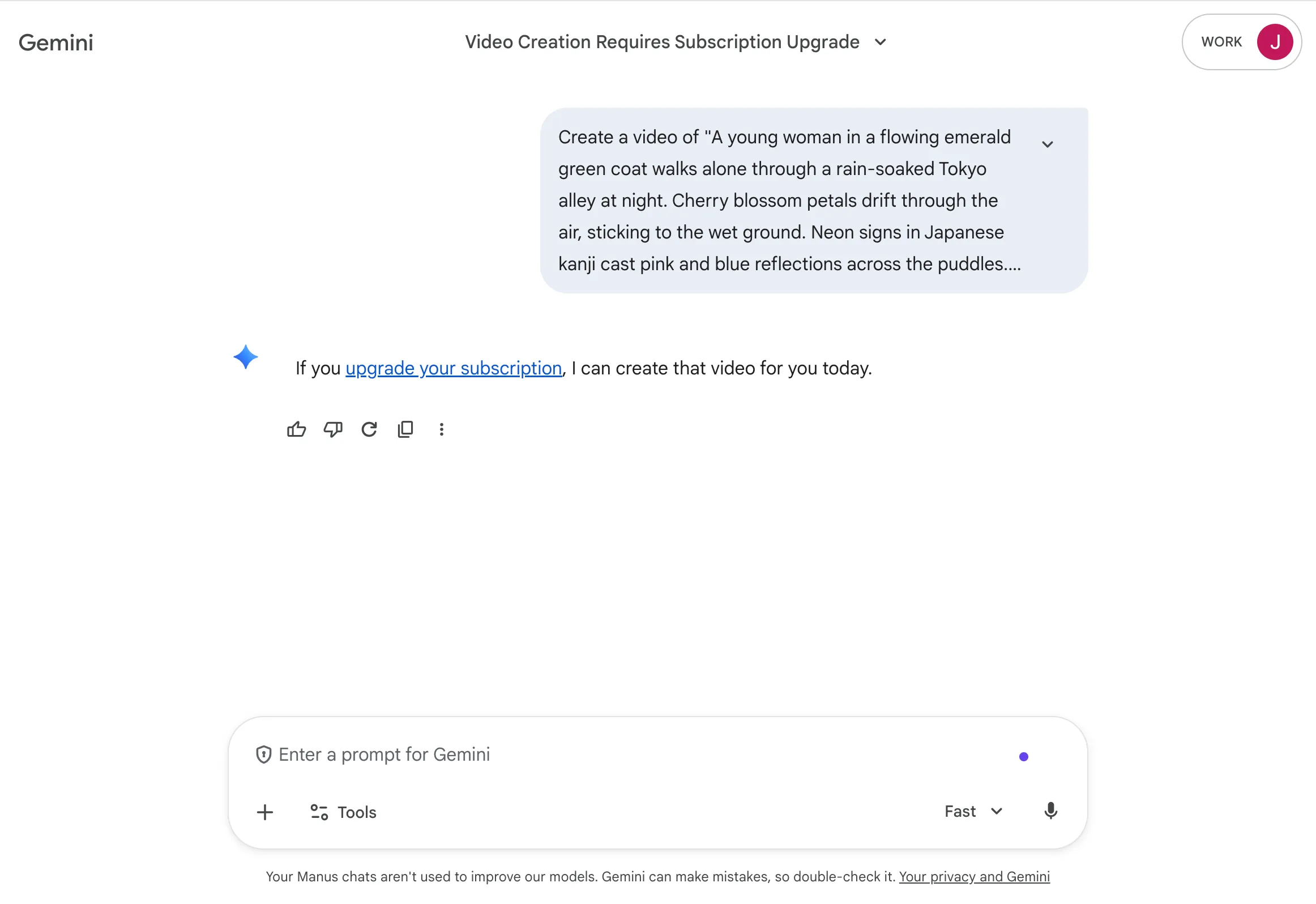
출처: Manus AI Video Generator 비교 | Google Veo 3.1 영상 생성 화면
Veo 3.1 결과
Veo 3.1은 안정성에서 점수를 땄습니다. 영상 전체에 걸쳐 오브젝트 일관성이 훨씬 좋았고, 4K 출력이 기본이라 해상도에서 확실히 앞섭니다. 근데 "시네마틱 감성"이라는 측면에서는 Sora 2보다 약간 밋밋하달까... 기술적으로는 완벽한데 감성적으로는 아쉬운, 그런 느낌이예습니다.
Veo 3.1 결과: - 생성 시간: 32초 - 해상도: 4K (기본) - 길이: 5초 - 프레임: 30fps - 장점: 4K 기본, 오브젝트 일관성 - 단점: 시네마틱 감성 부족이 주제에 대해서는 이전에 Adobe Firefly 무제한 생성 시대: AI 이미지·영상 크리에이티브 올인원 가이드에서 다뤘는데요, Firefly의 영상 생성과 비교하면 Sora 2와 Veo 3.1 모두 퀄리티 면에서 한 단계 위입니다.
프롬프트 2: 풍경 영상 비교
풍경 영상에서 차이가 더 극몍하게 드러났습니다.
Sora 2는 한강의 물결 표현이 예술이었습니다. 진짜로. 빛이 수면에 부서지는 장면은 실제 드론 촬영과 구분하기 어려울 정도였걐든요. 하지만 서울 스카이라인의 건물 디테일에서 존재하지 않는 건물이 생성되는 "환각" 현상이 있었습니다. 63빌딩 옆에 뭔가 이상한 타���가 하나 더 서 있더라고요(?!).
Veo 3.1은 건물 디테일은 더 정확했지만, 물결 표현은 Sora 2만큼의 리얼리즘에는 미치지 못했습니다. 대신 오디오 싱크 기능이 인상적이었어요. 물소리와 바람 소리가 자동으로 생성되었는데, Google 공식 블로그(2026년 2월 기준)에서 강조한 "contextual audio awareness"가 이런 거구나 싶었습니다.
비교 항목 Sora 2 Veo 3.1 자연물 표현 (물, 하님) ★★★★★ ★★★★☆ 건물/인공물 정확도 ★★★☆☆ ★★★★★ 오디오 자동 생성 ❌ (별도 작업) ✅ (맥락 인식) 최대 해상도 1080p 4K 컬러 그레이딩 영화적 톤 자연 색감
프롬프트 3: 설명 영상 비교
코딩 장면 같은 "기술적 영상"에서는 의외의 결과가 나옔습니다.
Sora 2가 생성한 코드 타이핑 장면은 비주얼은 멋졌지만, 화메에 표시되는 코드가 완전한 넌센스였습니다. function asdkjf(){ return 42/0; } 같은... 좀 허탈했습니다. 영상 미학은 10점 만점에 9점인데, 내용 정확도는 2점이라니.
Veo 3.1도 코드 내용은 마찬가지로 의미 없는 문자열이었지만, 화면 레이아웃이 VS Code와 훨씬 유사했고 커서 깜빡임 같은 디테일이 자연스러웠습니다. 여담인지만, AI가 코드를 "쓰는 척"하는 영상을 만드는 건 아직 좀 이른 것 같습니다.
출처: Manus AI Video Generator 비교 | 2026년 주요 AI 영상 생성 도구 비교
CapCut 통합 워크플로우: 진짜 장점은 여기
공식 문서에 안 나오는 팁인데요. CapCut에서 Sora 2와 Veo 3.1을 쓸 때 가장 큰 장점은 생성한 영상을 바로 타임라인에 올려서 편집할 수 있다는 점입니다.
기존 워크플로우는 이랬습니다:
[기존] AI 영상 생성 (Sora/Runway) → 다운로드 → Premiere Pro/DaVinci 임포트 → 편집 → 익스포트 소요 시간: 약 30-40분 (5초 클립 기준)CapCut 통합 이후는 이렇습니다:
[현재] CapCut 내 AI 생성 → 바로 타임라인 배치 → 편집 → 익스포트 소요 시간: 약 10-15분 (5초 클립 기준) 실제로 이 워크플로우로 유튜브 쇼츠용 15초짜리 클립을 만드는 데 총 8분 걸렸습니다. 예전 같으면 30분은 잡아야 했을 작업이에요.
이전에 MCP(Model Context Protocol)로 AI 에이전트 연결하기에서 다뤘던 것처럼, AI 도구들이 서로 연결되는 것이 2026년의 핵심 트렌드인데, 영상 생성 도구가 편집 도구와 합쳐지는 것도 같은 맥락입니다.
가격 비교: 현실적으로 얼마나 드나?
2026년 3월 기준 가격입니다. AI 서비스 가격은 자주 바뀌니 공식 사이트에서 최신 정보를 확인하시길 궄합니다.
항목 Sora 2 (ChatGPT Plus 경유) Veo 3.1 (Google AI Premium 경유) CapCut Pro 월 구독료 $20 $19.99 ₩11,900 월 생성 한도 ~50개 영상 (5초) ~100개 영상 (5초) 무제한 (AI 생성 별도) 추가 크레딧 $0.4/영상 $0.2/영상 - 최대 영상 길이 20초 30초 - 4K 출력 추가 크레딧 필요 기본 포함 - 가성비만 따지면 Veo 3.1이 확실히 앞섭니다. 비슷한 가격에 생성 한도가 2배이고, 4K도 기본이니까요. 하지만 퀔리티를 최우선으로 한다면 Sora 2의 시네마틱 표현력은 아직 대체 불가입니다.
결과 분석: 예상과 다른 점
제 가설은 "Sora 2가 모든 면에서 Veo 3.1보다 우월할 것"이었습니다. OpenAI가 영상 생성 분야에서 먼저 시작했으니까요. 하지만 실제로는 그렇지 않았습니다.
Veo 3.1이 예상 외로 강했던 부분:
4K 출력 품질과 안정성 오디오 자동 생성 (이건 정말 게임체인저) 오브젝트 일관성 (환각이 휨씬 적음) 생성 속도 (평균 30% 더 빠름) Sora 2가 여전히 앞서는 부분:
시네마틱 미학 (색감, 조명, 피사계 싴도) 자연물 표현 (물, 안개, 빛) 프롬프트 이해도 (추상적 지시도 잘 해석) NVIDIA 블로그(2026년 1월)에서 발표한 것처럼, 로컬 4K AI 영상 생성도 이미 가능한 수준에 도달했습니다. LTX-2 모델 + RTX GPU 조합으로 클라우드 의존 없이 영상을 생성할 수 있다는 뜻인데, 이건 다음에 별도 글로 다뤄보겠습니다.
상황별 추천: 이럴 때 이걸 쓰세요
제 테스트 결과를 바탕으로 상황별 추천을 정리했습니다. 이건 제 주관적 체감이니 참고만 해주세요.
Sora 2를 쓰세요:
브랜드 홍보 영상처럼 미적 퀔리티가 최우선일 때 자연 풍경, 음식, 패션 등 감성적 콘텐츠를 만들 때 프롬프트 하나로 영화 같은 장면이 필요할 때 Veo 3.1을 쓰세요:
유튜브 쇼츠, TikTok 같은 대량 콘텐츠 생산이 목적일 때 4K 해상도가 반드시 필요할 때 배경 음악/효과음까지 한 번에 생성하고 싶을 때 예산이 제한적일 때 (생성 한도 2배) CapCut을 허브로 쓰세요:
위 두 모델을 비교하며 최적 결과를 골라 편집하고 싶을 때 생성 → 편집 → 발행 원스톱 워크플로우가 필요할 때
마무리: AI 영상 생성, 이제 "할 수 있느냐"가 아니라 "어떻게 잘 쓰느냐"
1년 전만 해도 AI 영상 생성은 "신기한 장난감" 수준이예습니다. 그런데 질금은 실무에서 진지하게 고려할 수 있는 도구가 됐습니다. CapCut의 통합 덕분에 진입 장벽도 많이 낮아졌고요.
저는 앞으로 블로그 썸네이용 짧은 영상과 유튜브 쇼츠를 이 조합으로 만들어볼 생각입니다. 한 달 정도 써보고 실전 사용기를 또 공유하겠습니다.
AI 영상 도구의 진입 장벽이 낮아진 만큼, 콘텐츠 제작의 병목은 이제 기술이 아니라 아이디어가 됐습니다.
참고 자료:
- Google Blog - Flow updates: February 2026
- Zapier - The 18 best AI video generators in 2026
- NVIDIA Blog - RTX Accelerates 4K AI Video Generation
- MIT Technology Review - 10 Breakthrough Technologies 2026
함께 읽으면 좋은 글:
- Adobe Firefly 무제한 생성 시대: AI 이미지·영상 크리에이티브 올인원 가이드 - AI 이미지·영상 생성 도구의 기본기를 다룬 글
- MCP(Model Context Protocol)로 AI 에이전트 연결하기 - AI 도구 연결의 표준이 되고 있는 MCP 프로토콜 입문